
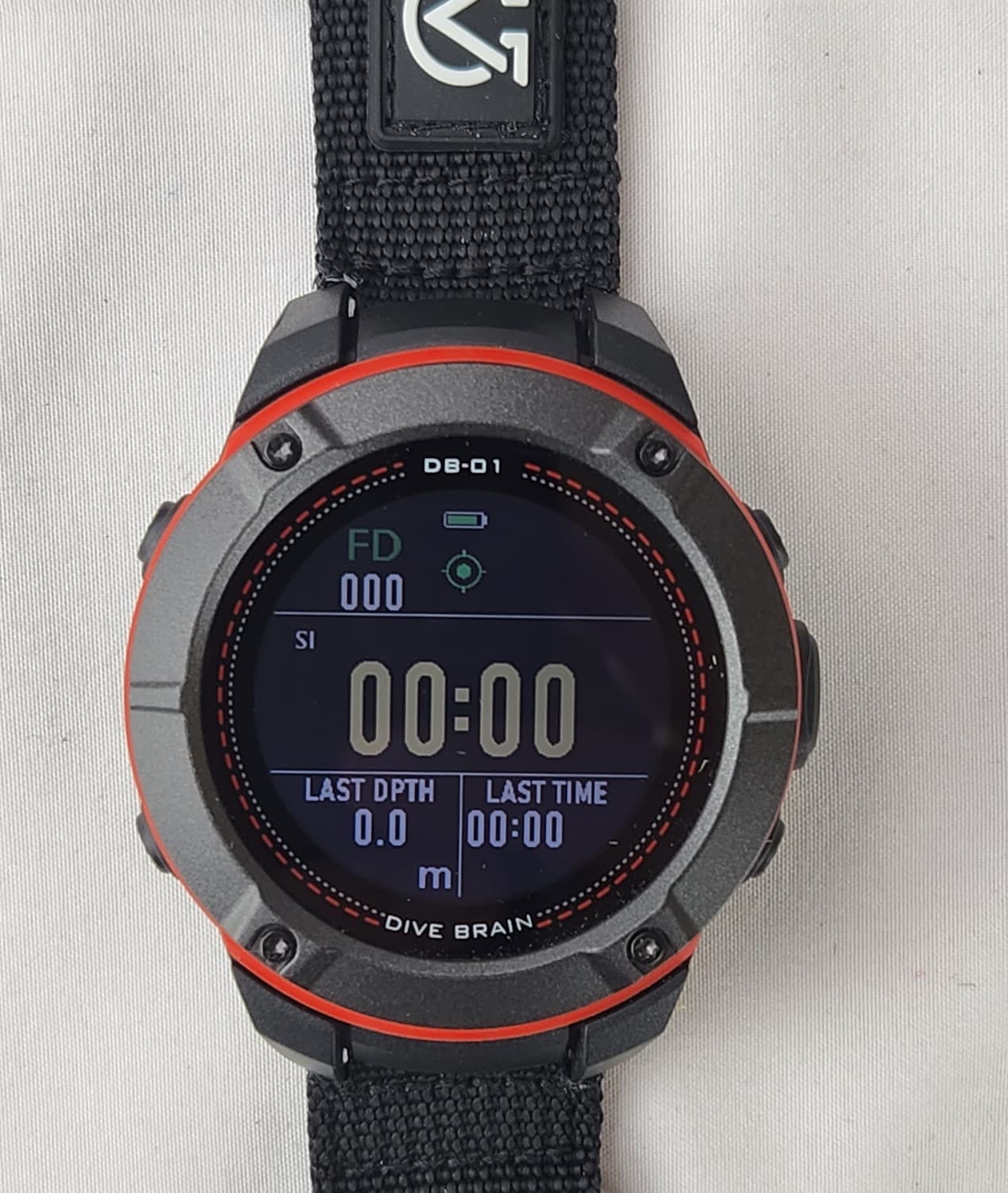
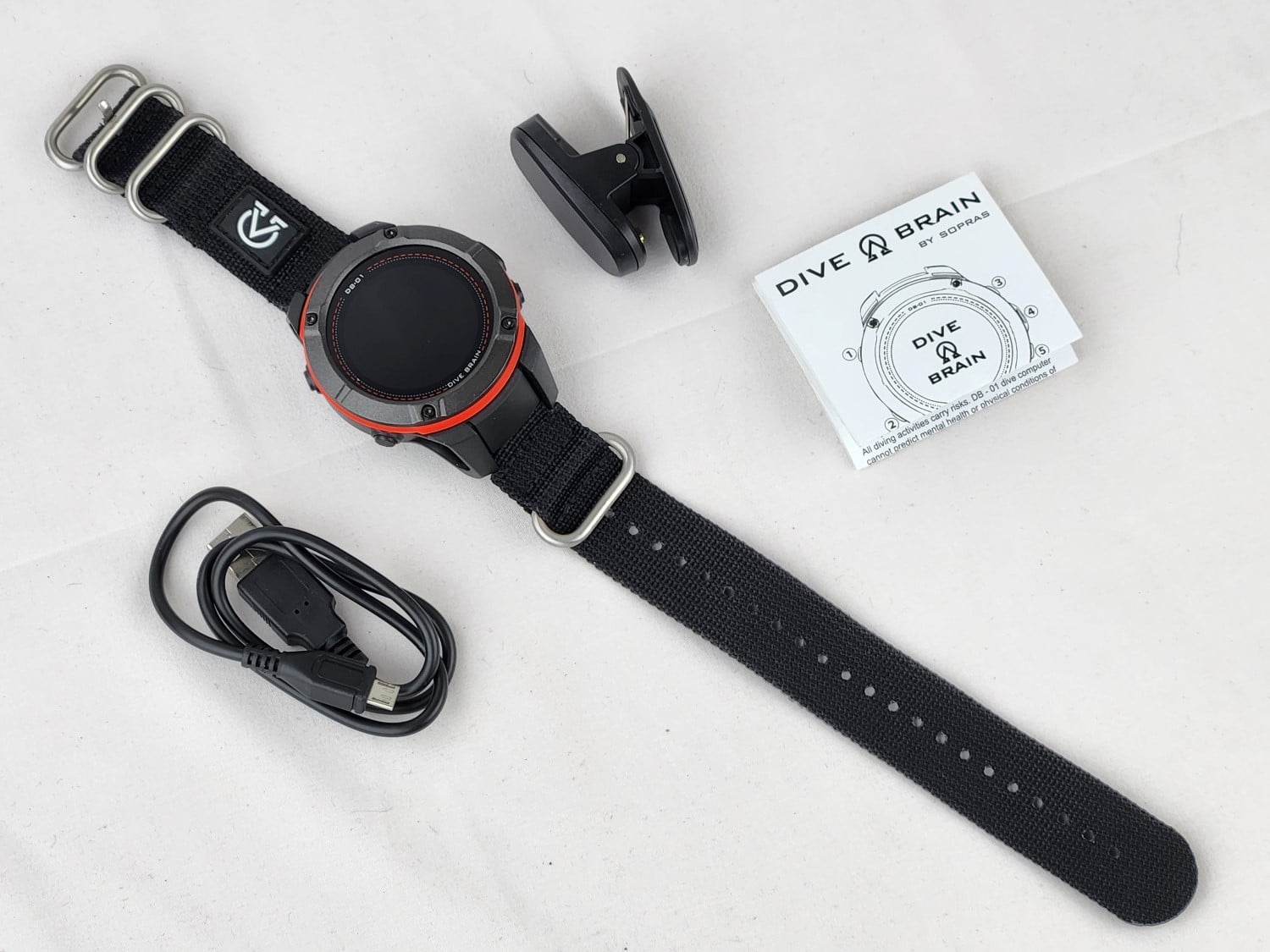
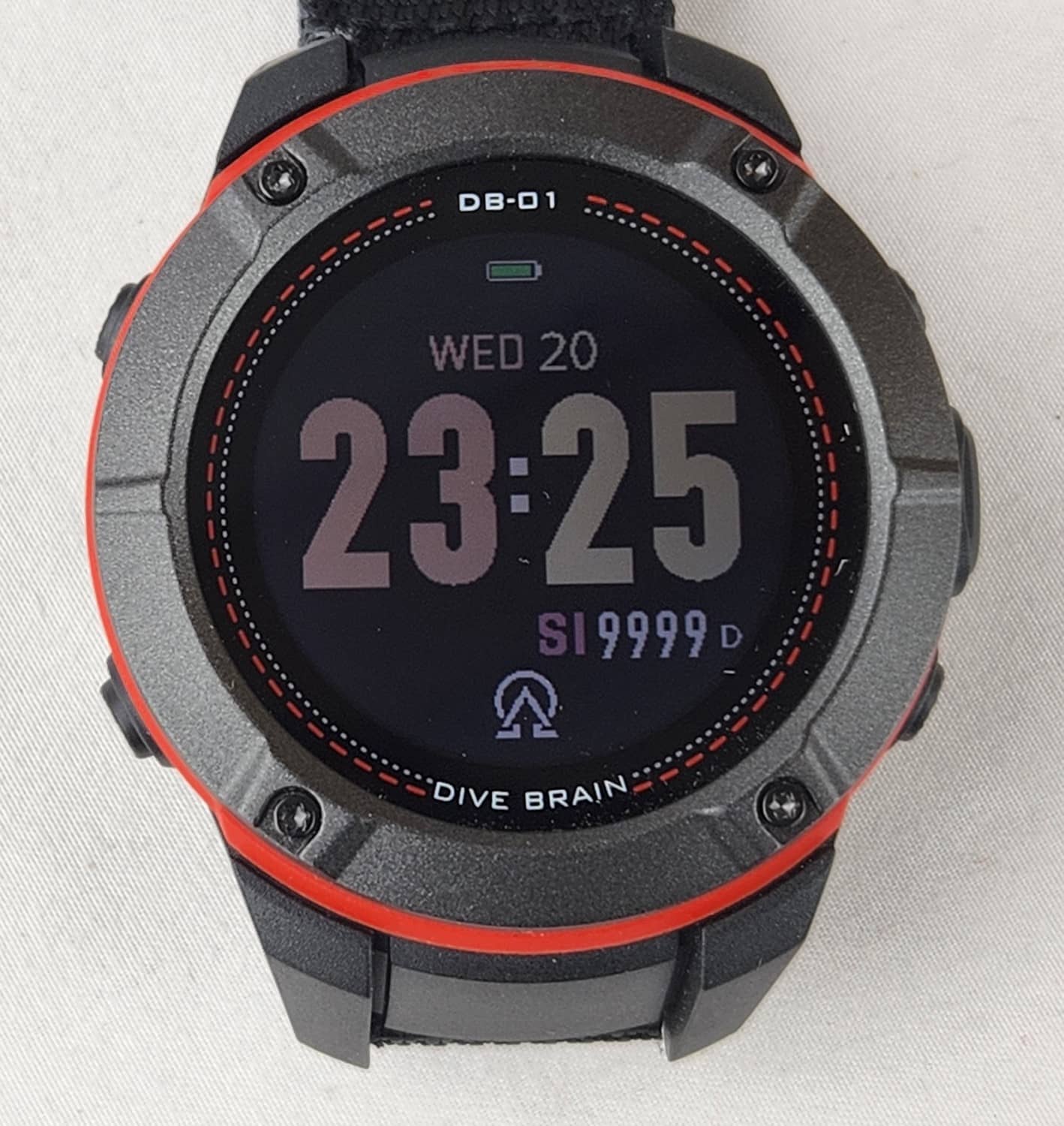
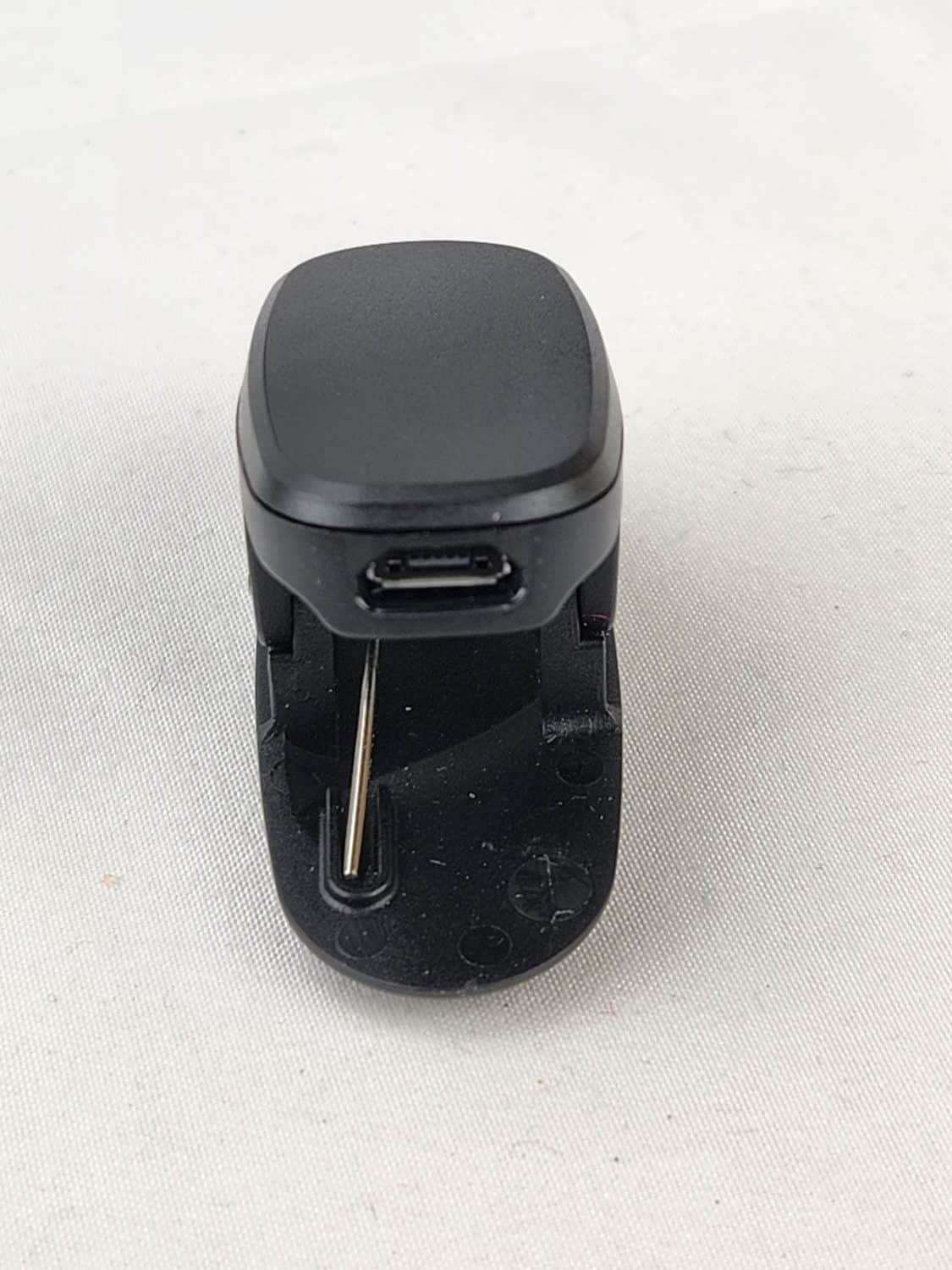
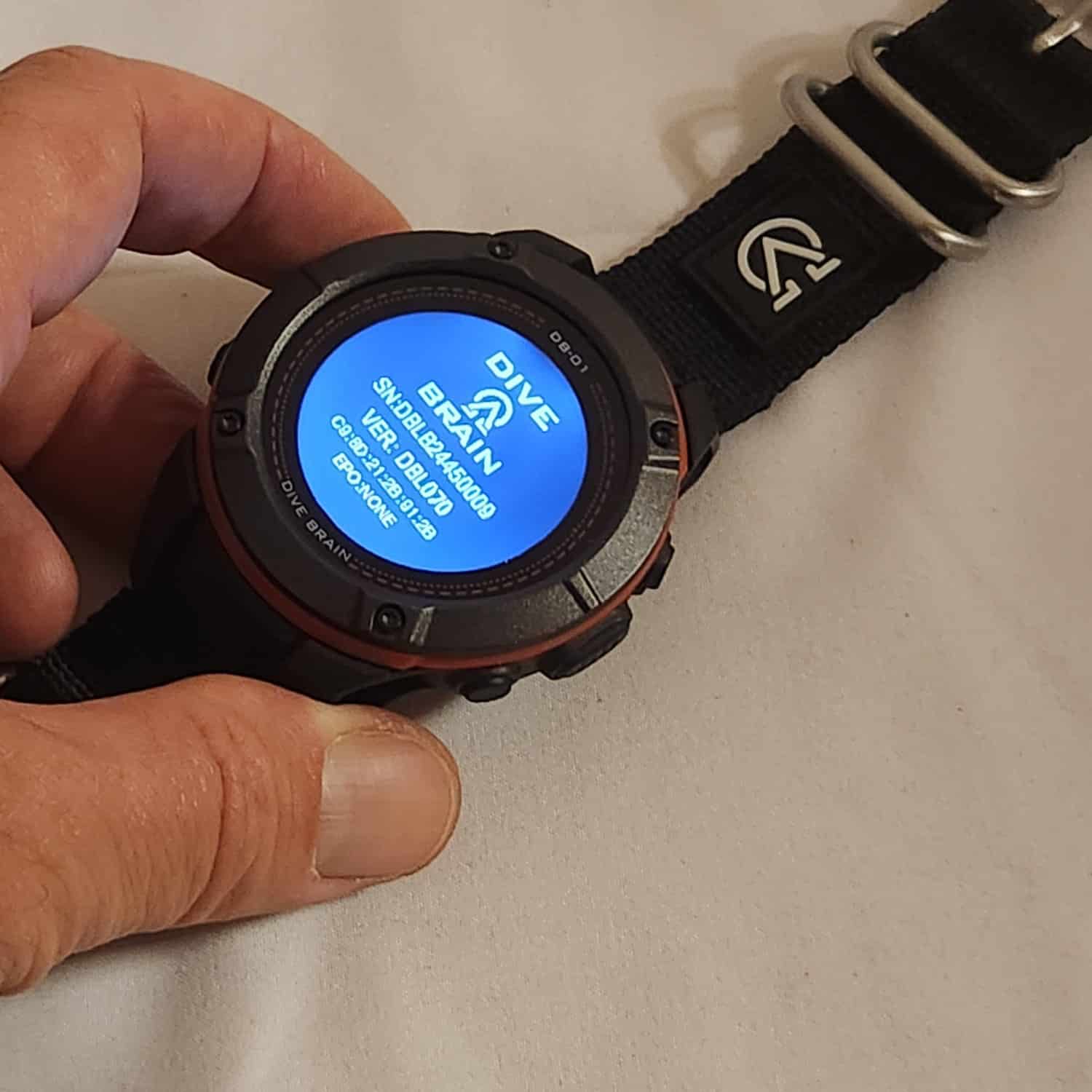
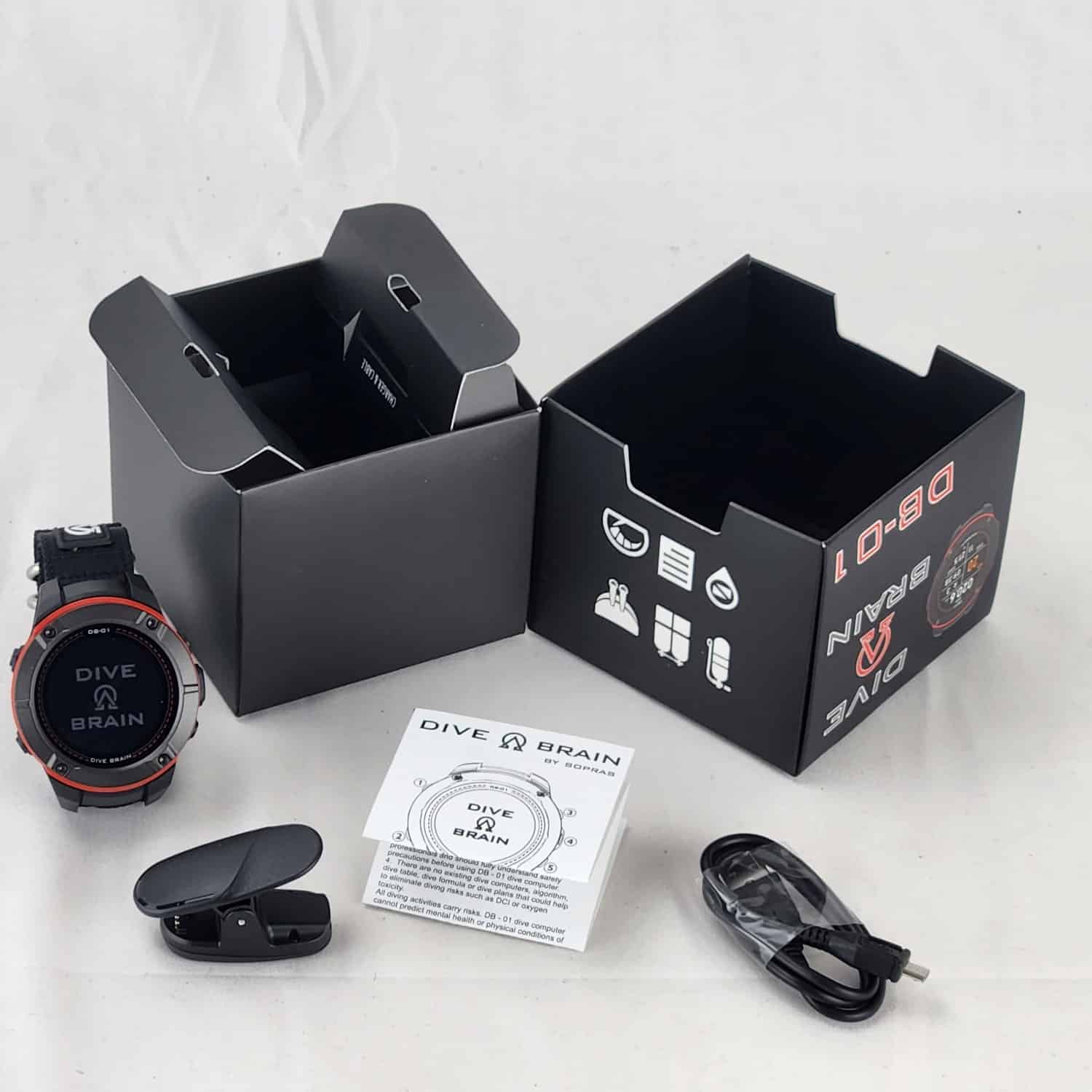
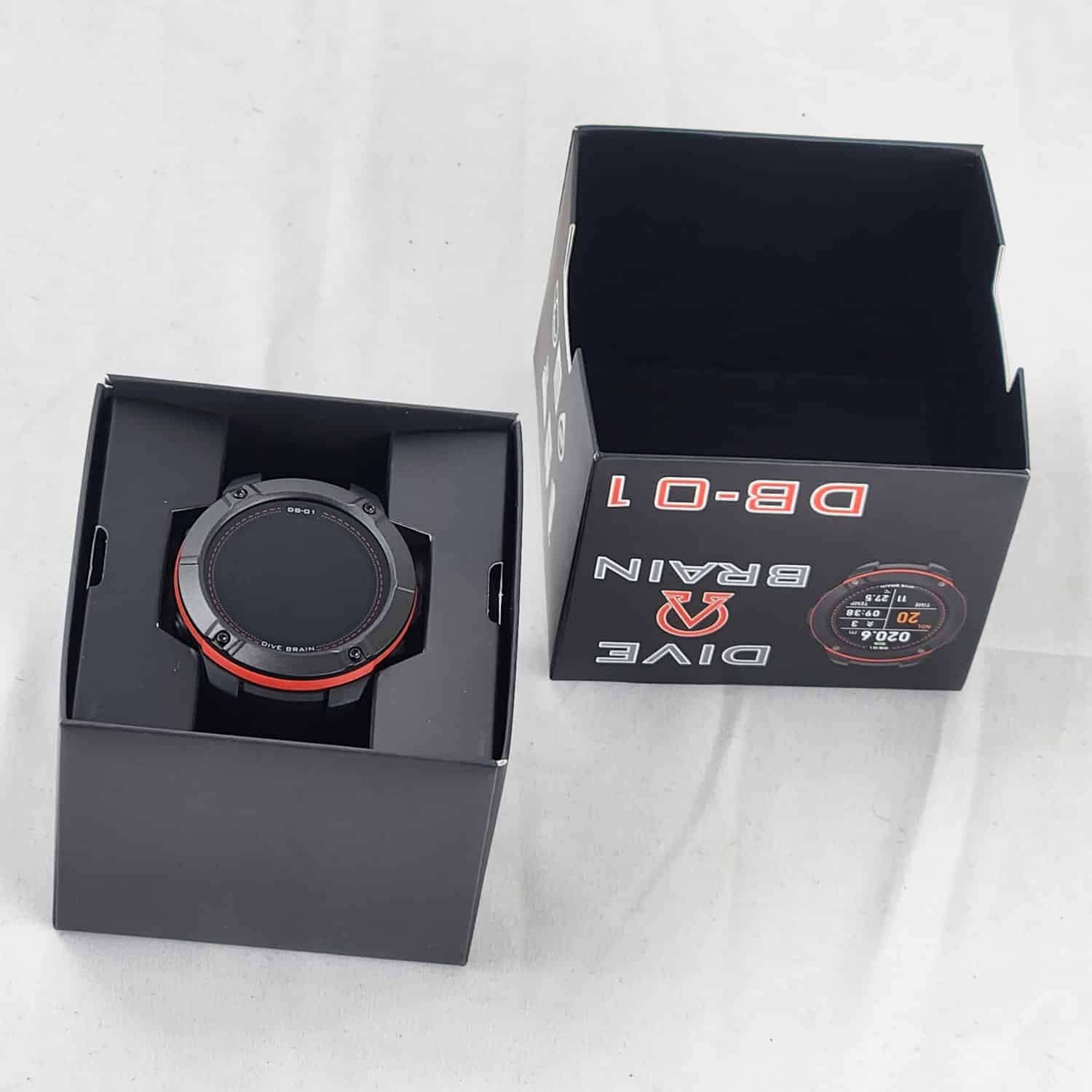
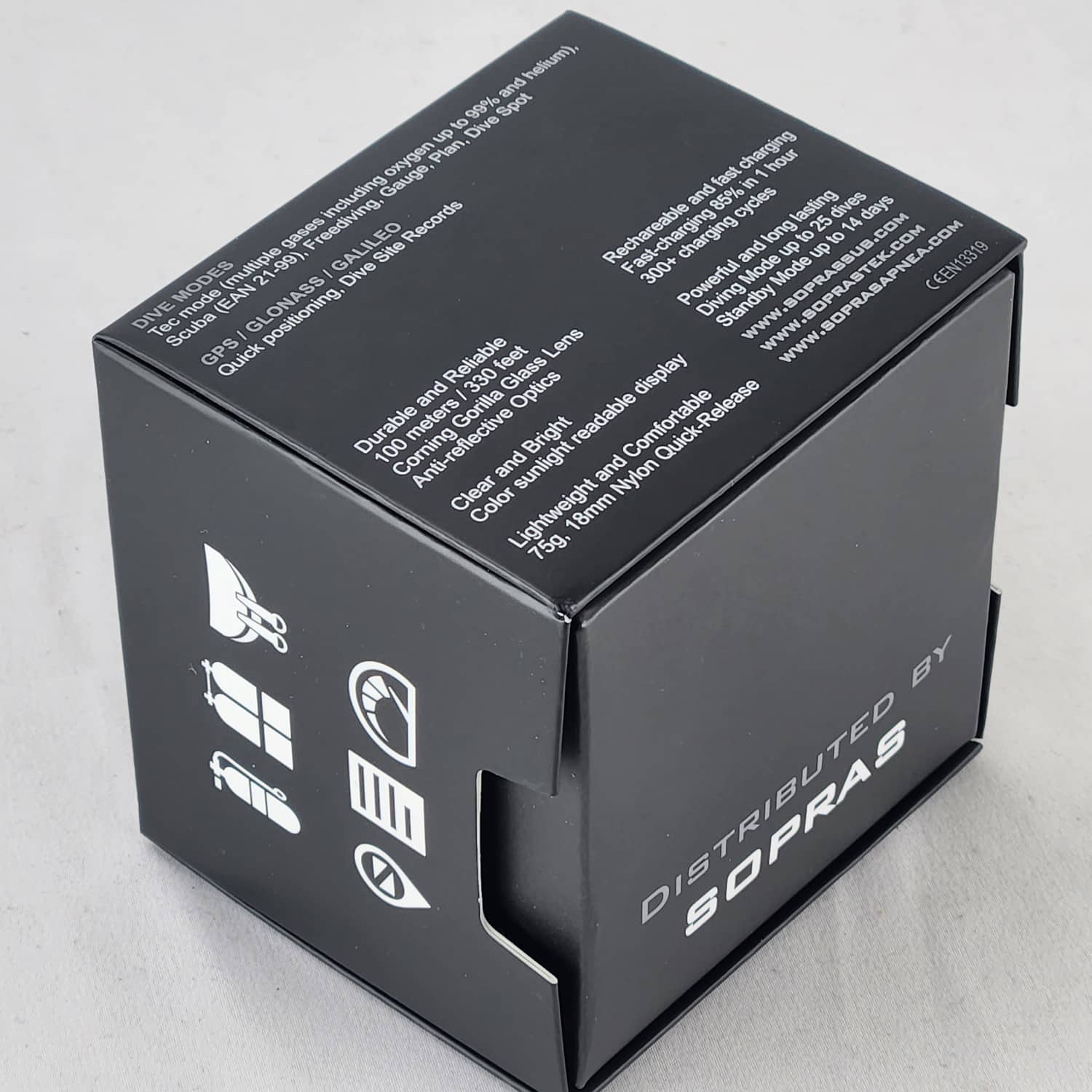
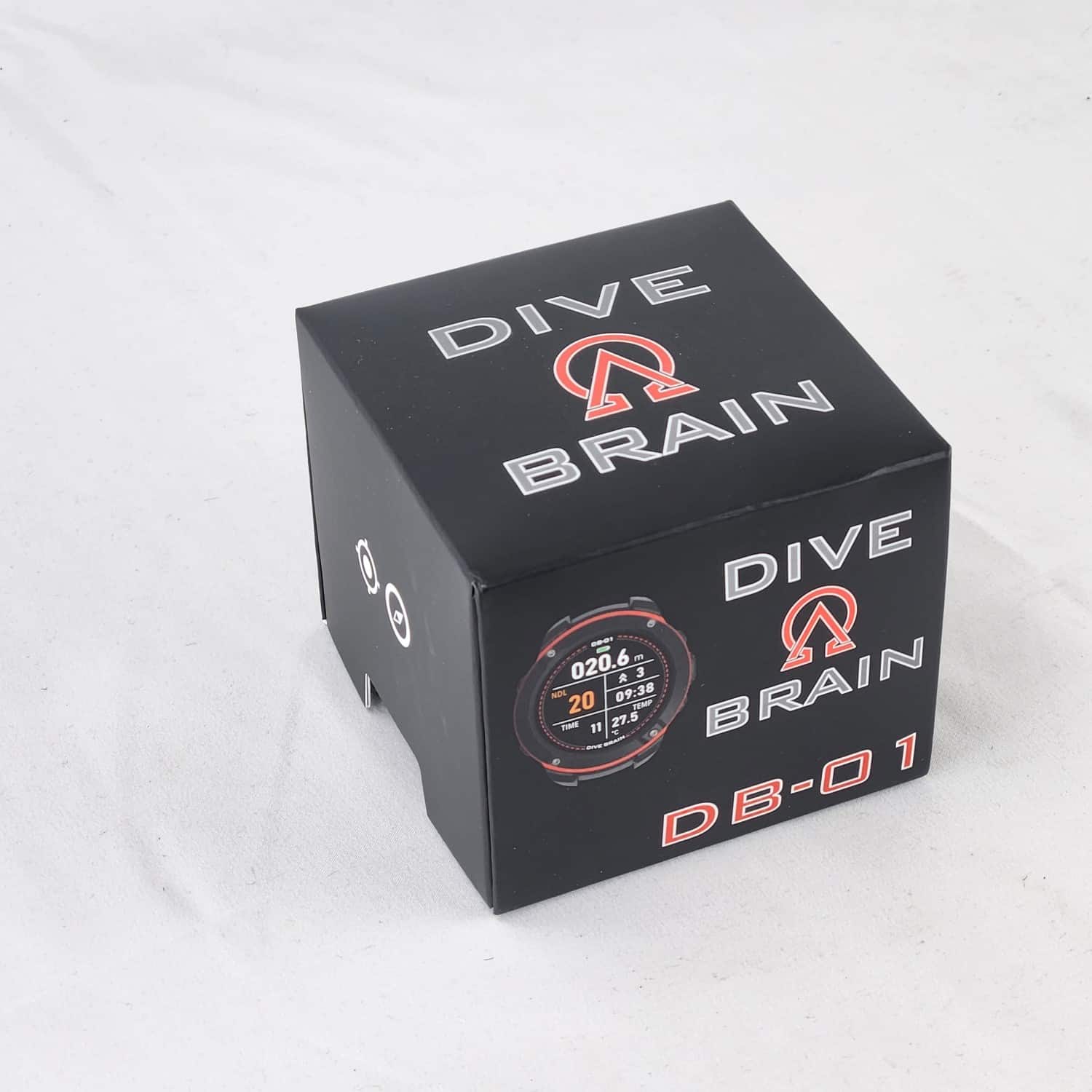
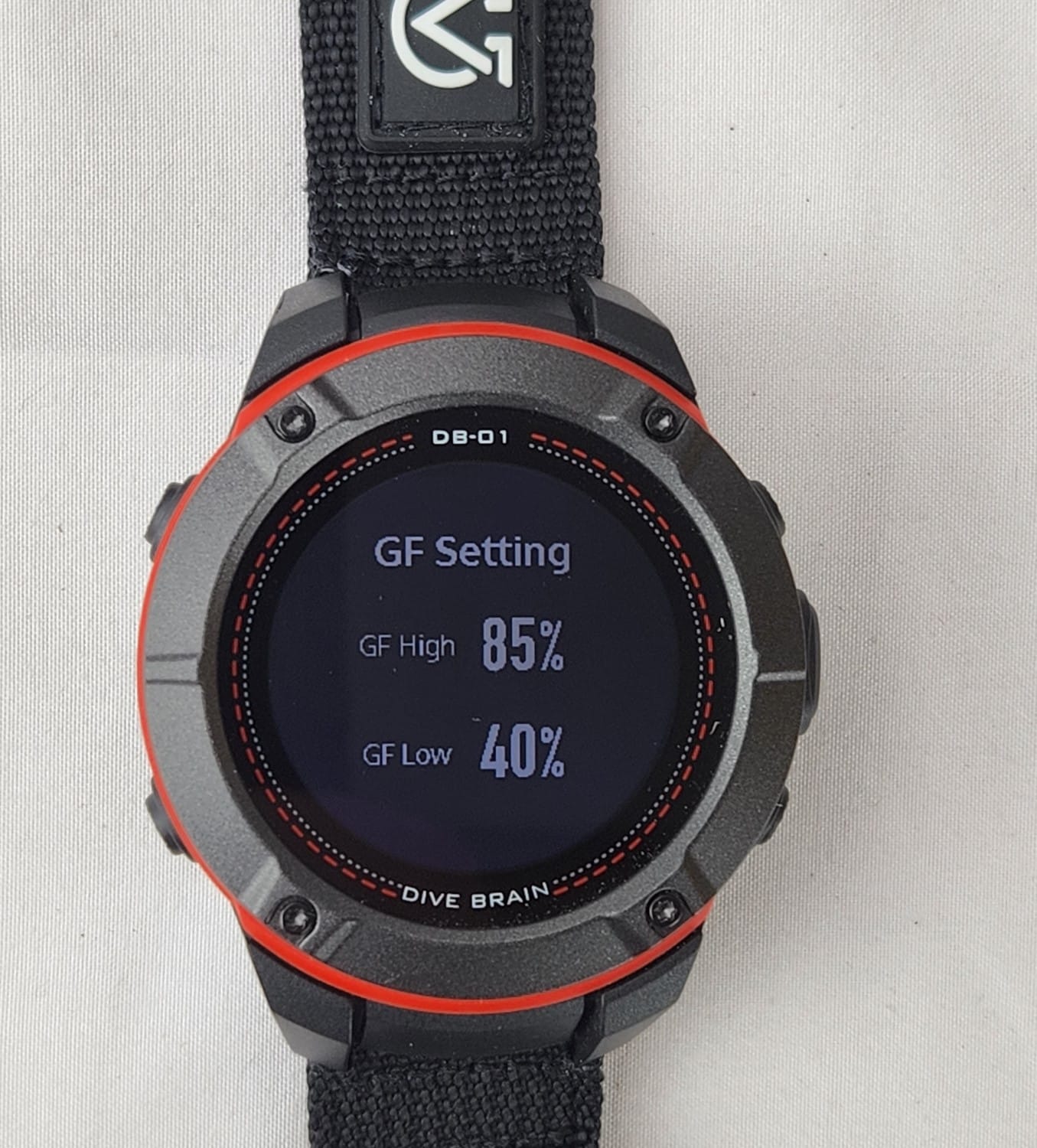
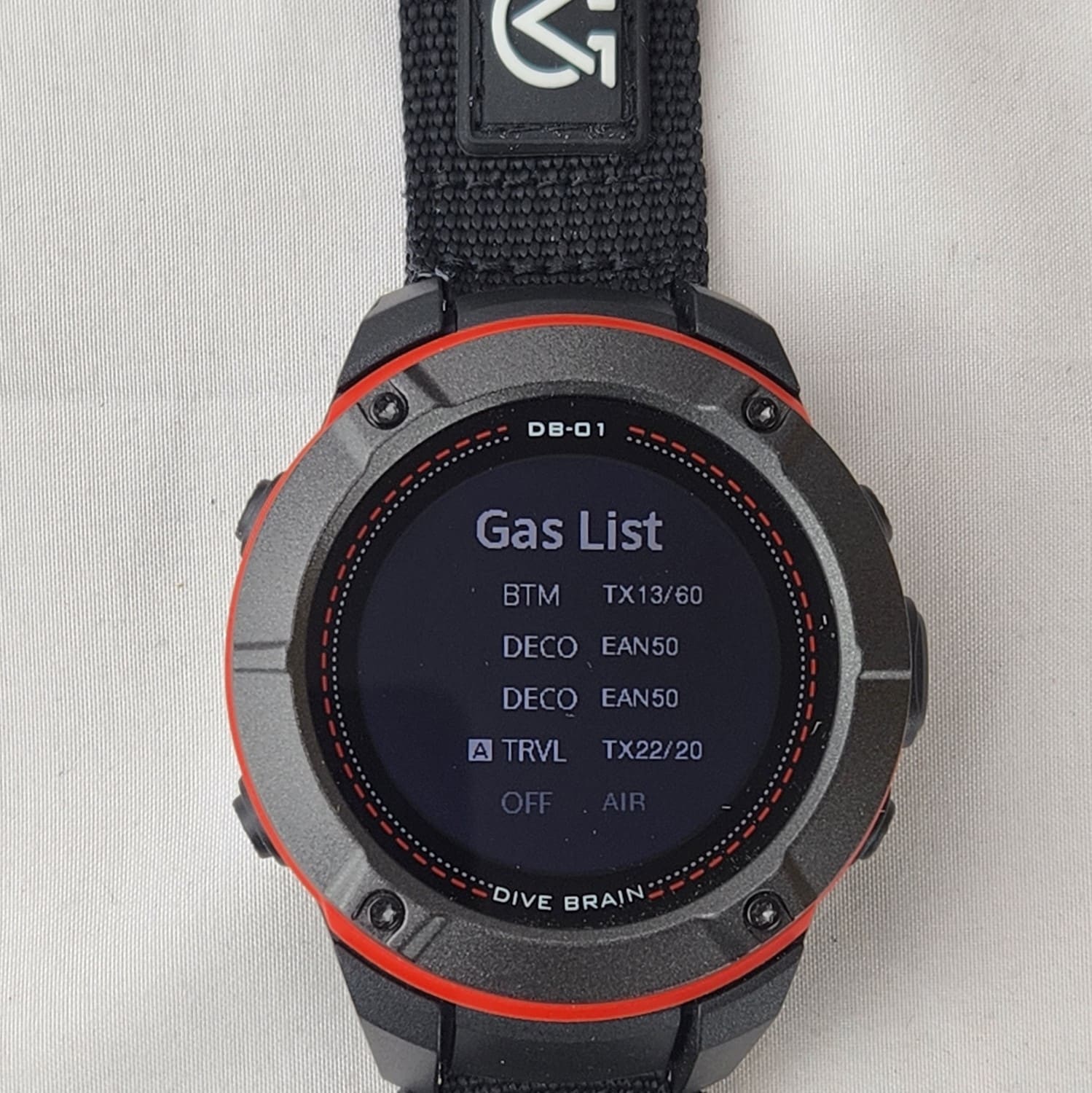
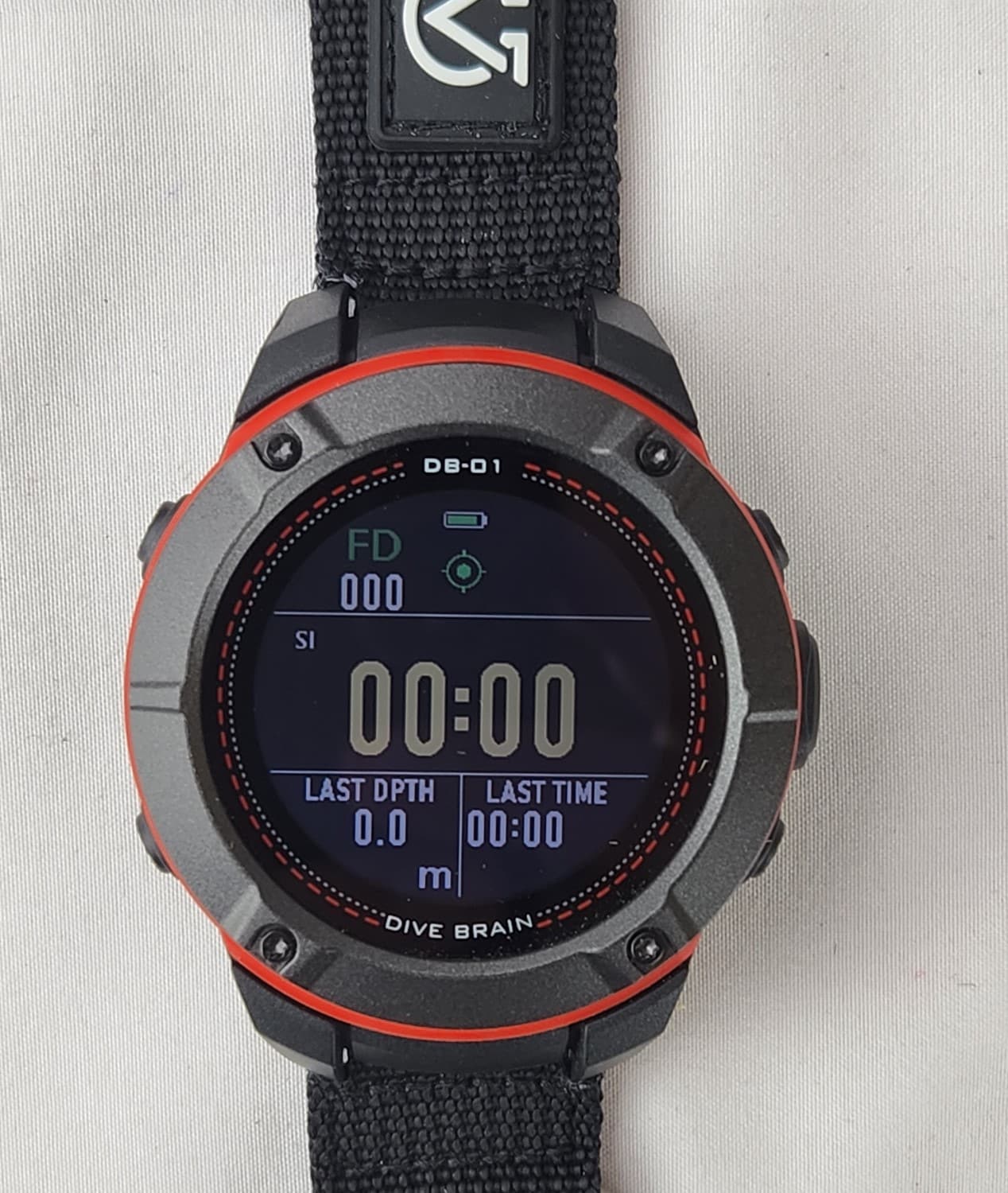




DIVEBRAIN model DB-01 is a dive watch computer suitable for Recreational (with Nitrox up to 100%) and Technical diving (with 5 preset gases including Trimix). Freedivers will also appreciate it with its complete freediving functions, showing surface interval, last depth, last dive time and stop watch. Alarms can be set in all modes with sound and/or vibration for depth, dive time and surface interval. The depth rating is 10ATM diveable down to a maximum depth of 100 meters. The Decompression Algorithm is computed using 16 tissue intervals, based on the half-time tissue table of Bühlmann ZH-L16C with gradient factor setting. The user interface is extremely intuitive and easy to use with 5 buttons. The display is large, colourful and very well visible both under the sunlight as well as during night diving or cave diving. The lens is made of Corning Gorilla Glass delivering exceptional scratch resistance. It weighs only 75gr and it is comfortable to wear in your every day life. GPS location is incorporated and everything can be downloaded easily on your Android and Iphone via our app. Easily rechargeable with the plug in with 4 pins. The user manual is available for download at the end of this page – Please read it well and all before starting.
Dive Algorithm: Bühlmann ZH-L16C with gradient factor
Color Sunlight Readable LCD clearly visible under sunlight and dark with automatic backlight
Lens: Corning high-end antiscratch Gorilla glass
User interface: very intuitive and easy to use with 5 buttons
Screen display size and resolution: 3.1 cm / 1.22 inches, 240 x 240/pixel
Ring Material: Fiber-reinforced polymer
Dive modes:
REC Scuba diving, Free diving, TEC diving, Instrument diving (Gauge mode), Dive planning, Diving navigation
Gas support: Air, Nitrox (EAN 21 ~ 99%), multi-gas and TRIMIX (5 mixes can be preset for DECO, BOTTOM, TRAVEL gases with possibility to set a different PO2 for each)
Planning preparation and log:
Built-in 9000+ dive sites around the world
Can Log 1000+ dives
Depth rating: 10 ATM (100m/330ft)
Battery type and life: Rechargeable (the recharger with mini USB cable is included)
Dive mode up to 25 dives (average dive of 45mins)
Up to 14 days in standby mode
300+ Charge Cycle
GPS and Electronic compass for dive navigation and planning
DIVE SAFETY ALERT: 3 depth and 3 time presattable alarms (with sound and/or vibration) for SCUBA, TEC and FREEDIVING modes
Exterior color: Black/red
Weight: 75g
Strap – 1 set of Nylon Webbing strap with quick release
Special Settings: Altitude diving, sea/sweet water diving
Warranty period – Global warranty 1 year
Exclusive APP: DiveStory PRO for both Android and Iphone
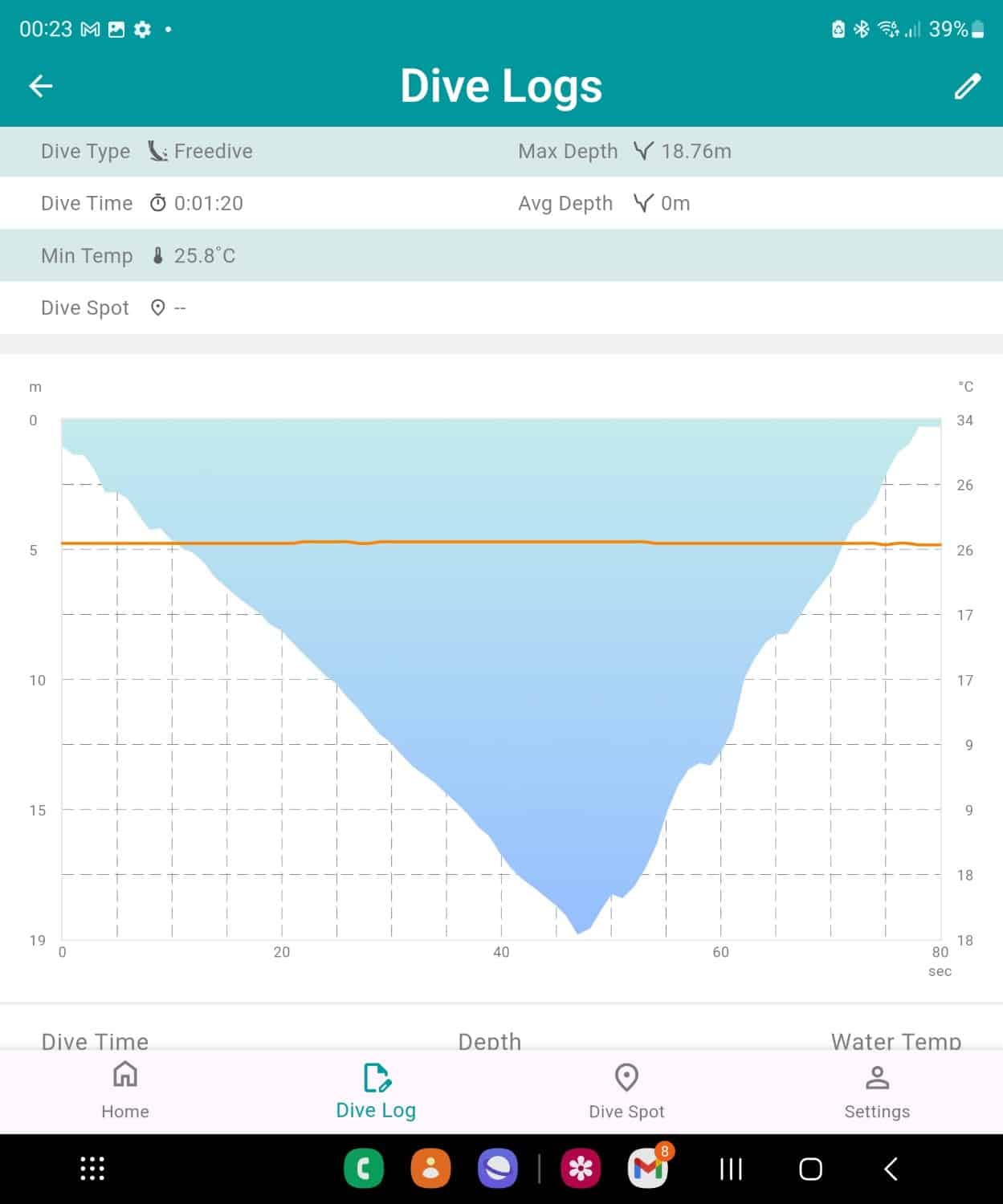
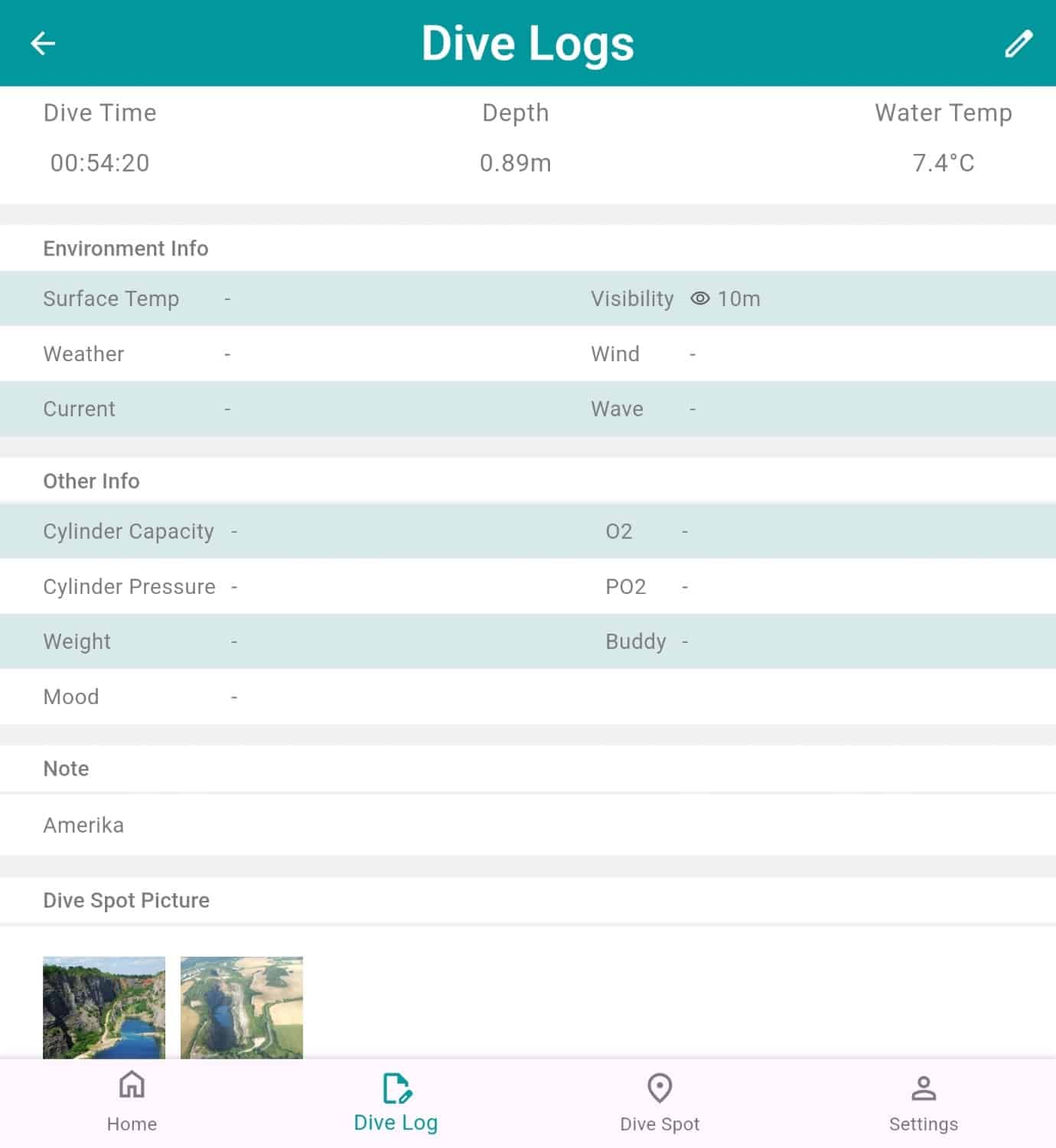
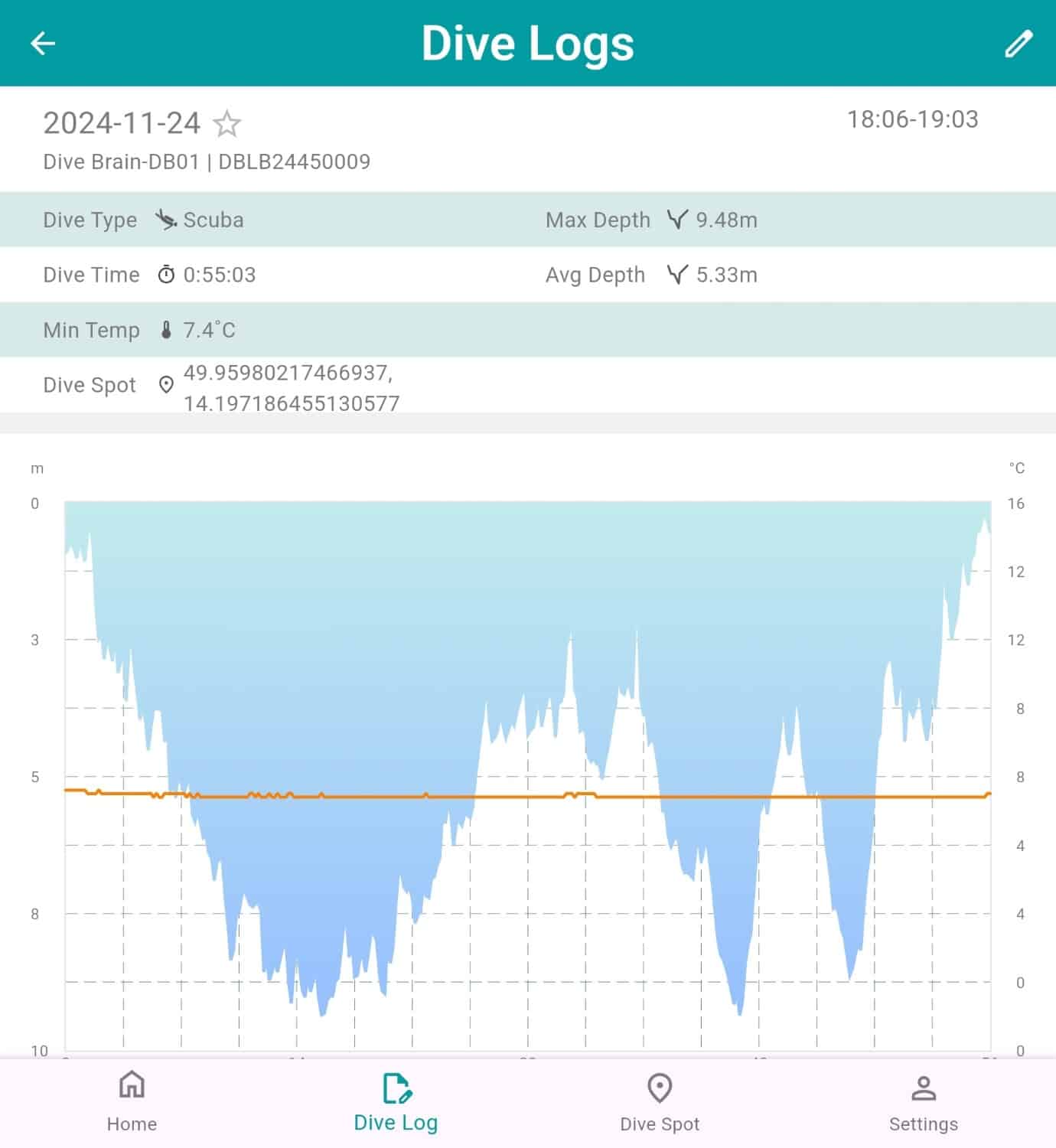
Once the APP is installed you have to connect it via BT and see all the logged dives, with info about location, dive chart with depth and temperature and where you can add dive site pictures
Download and PLEASE read the manual here: https://soprastek.com/wp-content/uploads/2025/01/DIVEBRAIN-User-Manual_EN.pdf
You can also check our videos on youtube:
https://youtube.com/shorts/m_g4fteDkjk
https://youtube.com/shorts/2F-tOWJOI6o
TROUBLESHOOTING:
It shows NO DIVING , why and what do I have to do?
After diving in Gauge mode or if you do not respect the recommended stops it will give you the message NO DIVING. If you know what you’re doing you can just clear the tissues and dive. Watch the video: https://youtube.com/shorts/DSv3yAmNw5s?feature=share
During the dive the screen is changing by itself? Why?
Probably you are twisting your wrist when this happens, right? This function is ON by default and allows changing screens during your dive by just twisting your wrist instead of pressing the up and down buttons. If it annoys you, turn it off! This function is not available in TEC mode, where it would represent a problem for most…
During the dive in Tec mode I have problems swithing gases, how to do it?
Make sure you were really in Tec mode and not in Scuba mode!
Once you arrived at the required depth you can switch gases pressing the up/down buttons until you arrive to the switch gas mode, which you select and then you select one of the pre-set gases. Watch the video: https://youtube.com/shorts/g4rZzK1gC5I?feature=share
I started as Tec dive but during the dive I noticed it was in Scuba (recreational), why?
The Automode is set to Scuba by default. You should change the automode, so it will start automatically with freedive (or tec dive or gauge) at the pre-set depth (1 to 3m). Watch the video: https://youtube.com/shorts/TfxGx7r-K7o?feature=share
The watch seems to be dead, no reaction, not even possible to recharge, what to do?
Leave it charge for 20 minutes by making 100% sure the connections are well in place. After 20 minutes make s Forced Shutdown by pressing for 15 seconds the left down button
The compass got stuck, what to do?
Make a Forced Shutdown by pressing for 15 seconds the left down button and recalibrate
The GPS positioning is not been recorded, why?
Make sure the watch is calibrated before entering the water and if not recalibrate and then start the diving mode, it will find the positioning
Reviews
There are no reviews yet.